How to create a restaurant website that brings in more bookings
What a restaurant website is really for
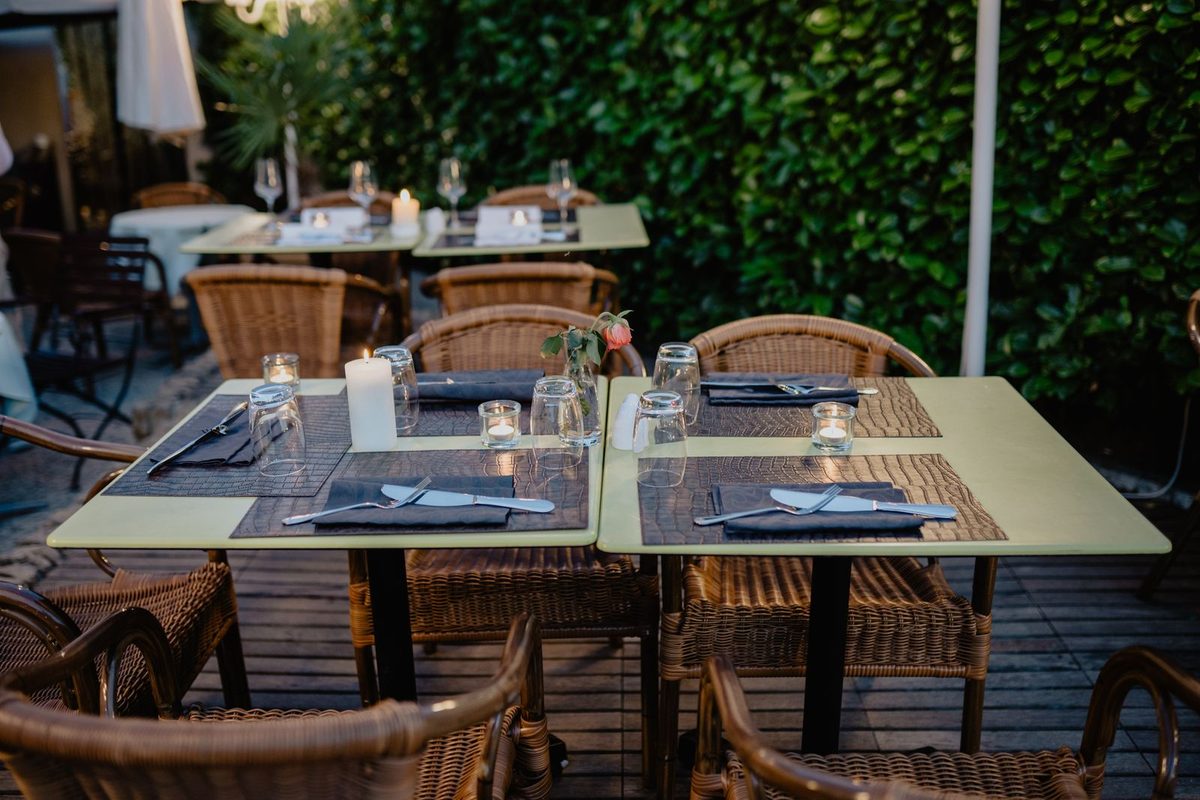
Most people who open a restaurant website want three answers fast: what you serve, whether they can get a table, and how to reach you. A hungry local searching on their phone at 6pm will not read a long story. They want the menu, tonight's hours, and a booking button. Build around that and the site starts earning its keep.
A good restaurant website does the quiet work your floor staff cannot. It takes bookings while the kitchen is slammed, answers the "are you open on Mondays" question fifty times a day, and shows the food that makes people choose you over the place next door.
What every restaurant website needs
Before any design choices, get these basics in place. They cover what a first-time guest actually looks for.
- The menu as real text on the page, with prices and clear dietary labels.
- Opening hours, including exceptions like a closed Monday or a late weekend kitchen.
- A booking button or reservation form, visible without scrolling on a phone.
- Your address with a map link, and a phone number that is tap-to-call on mobile.
- A handful of honest photos of the food and the room.
Everything else, from your story to press mentions, is a bonus once these are solid.
A simple structure that works
You do not need many pages. A small, clear set beats a sprawl of tabs that hides the booking button. Most restaurants do well with five:
- Home - the welcome, a signature photo, hours and a booking button.
- Menu - the full menu as text, grouped and priced.
- Book - reservations online, or a form with a phone number.
- About - a short, honest note on the place and the people.
- Find us - address, map, parking and public transport.
Keep the booking button and phone number in the header so they follow the guest on every page. If you add something later, like private dining or a set lunch, link it from the home page rather than burying it in a long menu.
Make the menu the centrepiece
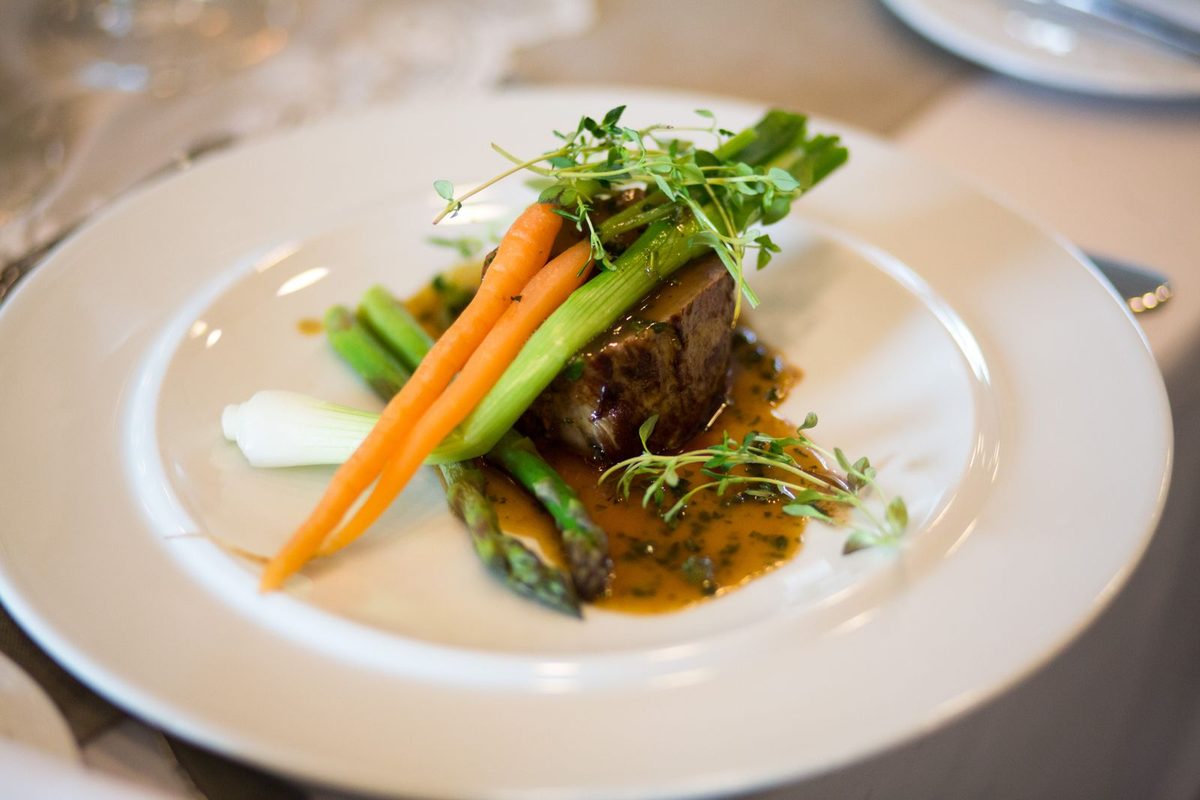
The menu is the page people visit most, so treat it as the star. Put it on its own page as searchable text, not as a photo of a printed sheet or a PDF that forces a download. A PDF menu is hard to read on a phone, invisible to Google, and a pain to update when one price changes.
A few menu habits make a real difference:
- Group dishes clearly (starters, mains, desserts) and keep descriptions short and specific.
- Show prices. Hiding them makes people leave, and it quietly filters out guests who expected somewhere cheaper.
- Mark vegetarian, vegan and common allergens so guests do not have to phone and ask.
- Photograph two or three signature dishes well, in natural light, and skip generic stock food. People can tell.
Turn visitors into bookings
A booking is the whole point, so make it the easiest thing on the site. Put a "Book a table" button in the header and repeat it near the menu and in the footer. On mobile, a tap-to-call number works just as well for guests who would rather speak to someone.
If you take online reservations, connect a booking tool so tables update in real time. If you are not ready for that, a short form (name, date, time, party size, phone) that lands in your inbox is a fine start. Reply quickly, because a guest who hears nothing for an hour often books somewhere else.
No-shows hurt a small kitchen. A short confirmation email and a reminder the day before cut them noticeably, and for busy nights a small deposit on larger tables is now normal and widely accepted. Say so plainly on the booking form, and keep cancelling easy so guests feel comfortable booking in the first place.
Two small things quietly cost you tables: a phone number that is not tappable, and opening hours that are out of date. Update the hours before a holiday, not after an annoyed guest arrives to a locked door.
Fast and mobile, because that is how guests arrive
Almost everyone opens your site on a phone, often on a slow connection outside. A page that takes six seconds to load loses people before the menu appears. Keep it light: a few well-sized photos rather than a heavy slideshow, readable text, tap-friendly buttons, and a menu that opens without a download. Test it yourself on your own phone, on mobile data, standing near the door. If the menu and the booking button are not usable within about ten seconds, fix that before you touch anything else.
Help hungry locals find you
A website going live is a start. Being found by nearby diners takes a few more habits.
- Put your city and cuisine in the page title, the way people search: "Neapolitan pizza in Lyon", not just "home".
- Claim your free Google Business Profile and match the name, address and phone to your site exactly.
- Keep photos current, and add fresh ones after a menu change or a refit.
- Ask happy guests for reviews and reply to them, the glowing ones and the awkward ones.
These signals, plus a fast site that works on a phone, do more for a local restaurant than any amount of clever design. For the wider groundwork, our guide on creating a small business website without a developer applies to any trade.
Show the real place, not a stock catalogue
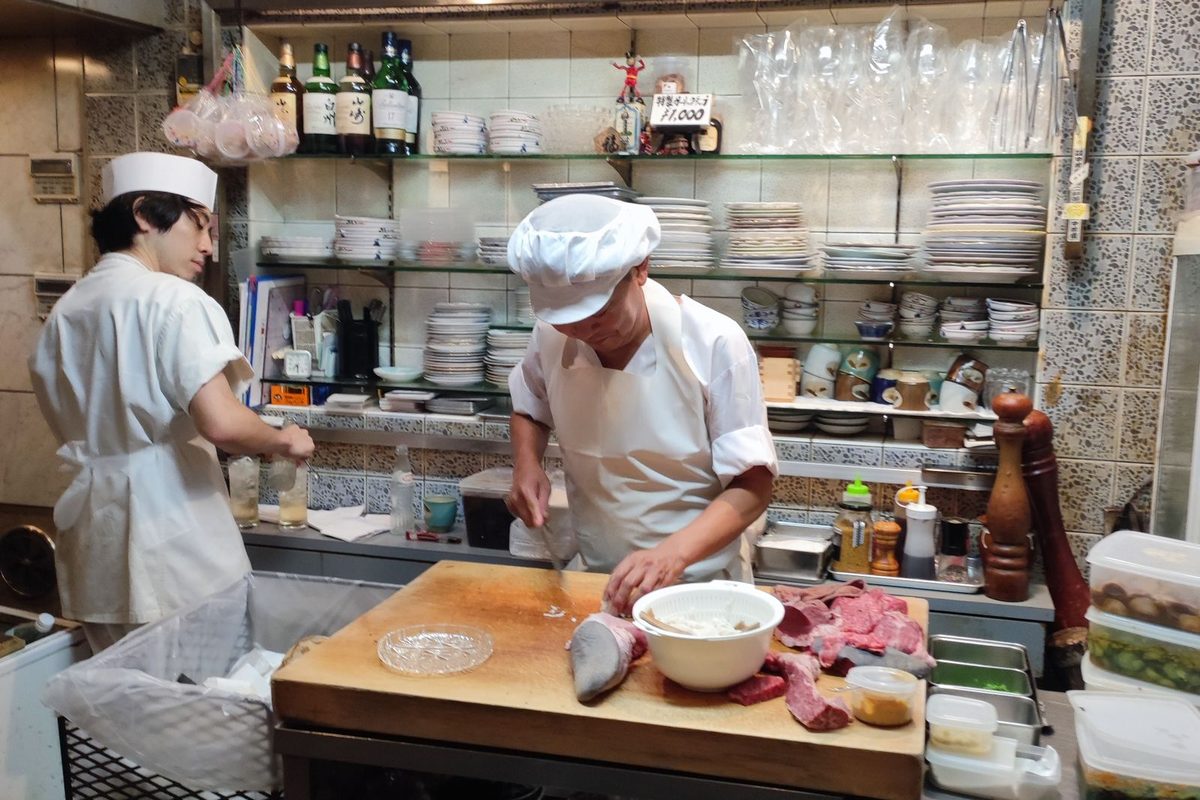
Guests book restaurants they can picture themselves in. A short about section with a real line or two on who cooks and why, next to photos of your actual room and plates, does more than a page of adjectives. You can see this on our examples page, where the Forno Vero demo pairs a warm hero with a real menu and an order button.
Build your restaurant website with Semalt AI
If you run a kitchen, your evenings are not free to wrestle with a website builder. This is where Semalt helps. Describe your restaurant in a sentence and the AI builds a full site, with a homepage, a menu section, a gallery and a booking form, ready to publish in minutes. When the menu changes or you want a calmer look, you ask in chat and the site updates.
It is free to try, and you can go live on a Semalt address straight away or connect your own domain later. See how the flow works on the how it works page, or reach out through the contact page if you want a hand setting up bookings.
Open the builder, type "a family Italian restaurant with a menu, photo gallery and table booking", and look at the first draft. If it feels close, your restaurant could be taking online bookings by tonight.
Build your website with Semalt AI
Describe your business in a sentence and get a complete, modern site in minutes. Free to try, no coding.
Start building free