How to build a hair and beauty salon website that gets you booked
What clients want from a salon website
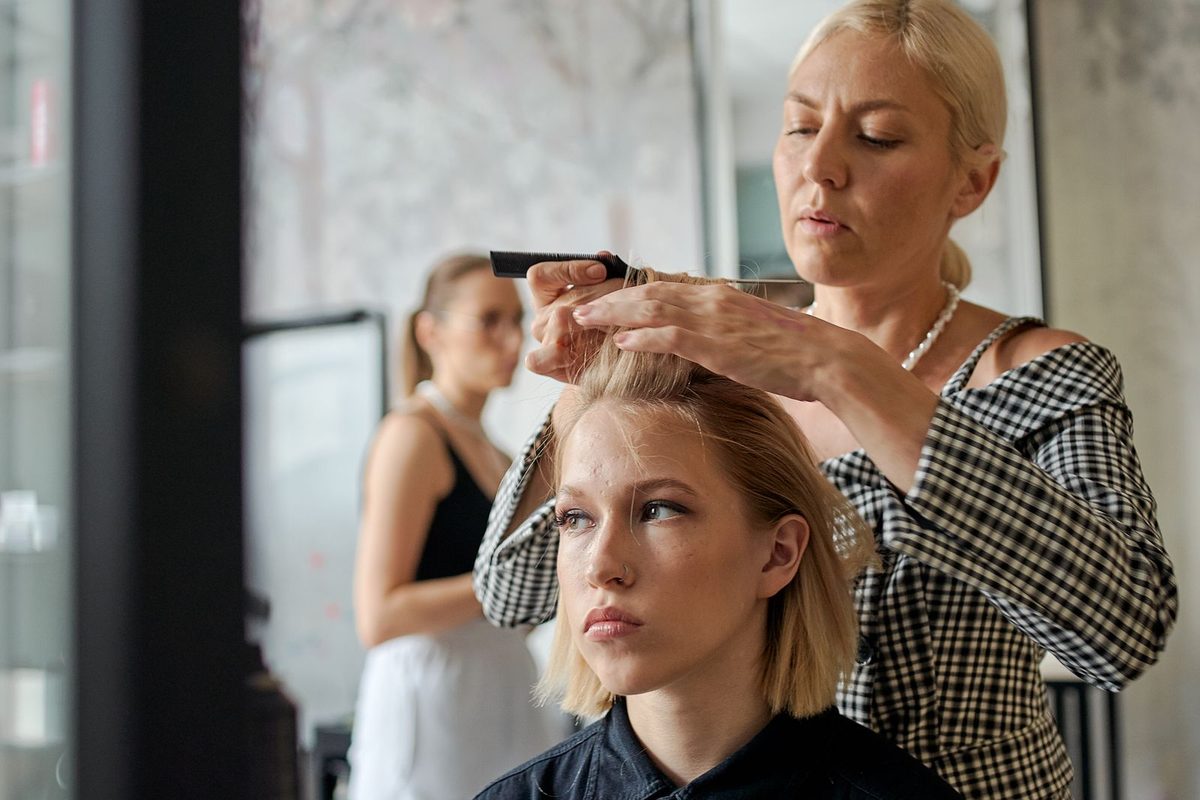
Someone looking for a new salon on their phone has a short list of questions: can you do the service I want, what does it cost, when can I come in, and where are you. A good hair and beauty salon website answers those in seconds and lets them book without a phone call. Get that right and you fill quiet Tuesday afternoons instead of hoping walk-ins appear.
Your website also protects your time. It takes bookings while you have colour on your hands, shows prices so nobody arrives expecting half the cost, and lets regulars rebook at 11pm when the salon is closed.
What every salon website needs
Before you think about fonts or photos, put the practical pieces in place. These are what a first-time client looks for.
- A service menu with clear prices, or honest "from" prices where a quote depends on hair length.
- An online booking button, visible without scrolling on a phone.
- Opening hours, including late nights and any day you are closed.
- Your address with a map link and a tap-to-call number.
- A few real photos of your work and the space.
With those in place you are already ahead of salons that rely on a single social page and a full voicemail.
A simple structure that works
You do not need many pages, and a tidy set beats a maze of tabs that hides the booking button. Most salons do well with four or five:
- Home - a warm welcome, a signature photo, hours and a booking button.
- Services and prices - the full menu, grouped and priced.
- Book - online booking, or a request form with a phone number.
- Gallery - real photos of your work.
- Find us - address, map, parking and transport.
Keep the booking button and phone number in the header so they follow the client on every page.
Show your services and prices clearly
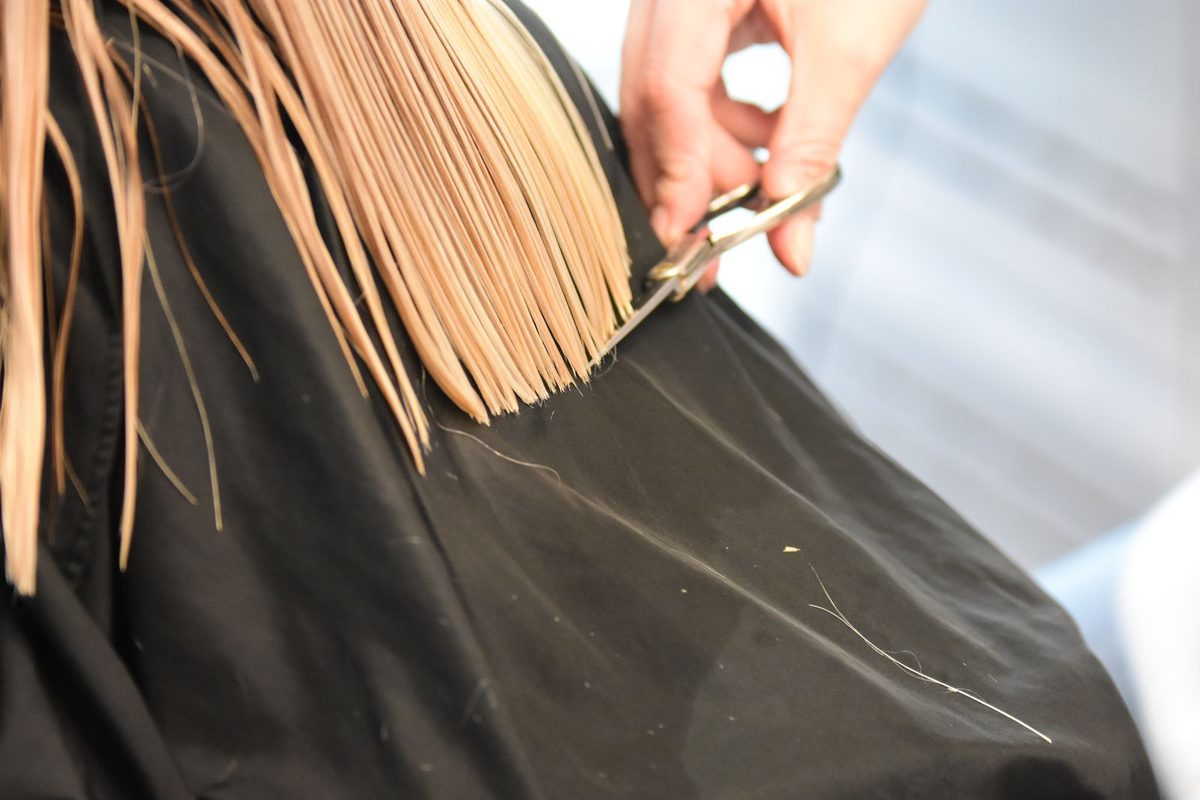
The services page is where most visitors decide. Group treatments into sections a client understands - hair, colour, nails, brows and lashes, treatments - and give each a short description and a price. Hiding prices costs you bookings, because people assume the worst and move to the salon that shows them.
Practical touches that reduce confusion and no-shows:
- Use "from" pricing for colour and extensions, and say what changes the price (length, thickness, number of foils).
- List rough timings so clients can plan their day around the appointment.
- Note which stylists do which services if your team has specialists.
- Add a short cancellation note so expectations are clear before booking.
A website also sells the things clients forget to ask about. A short line about gift vouchers, a bridal or event package, or a first-visit offer, placed near the booking button, quietly lifts the average booking. Keep these honest and specific rather than a wall of discounts.
Make online booking effortless
Booking is the whole reason the site exists, so make it the easiest action on every page. A "Book now" button belongs in the header, beside the services, and in the footer. Connect a booking system so slots update in real time and clients pick a stylist, service and time in a few taps.
If you are not ready for full online booking, a short request form (name, service, preferred day and time, phone) that reaches you instantly is a fine start. Reply the same day. A client who hears nothing quickly will book the salon that answered first. For salons that lose evenings to messages, this alone pays for the site.
No-shows and last-minute cancellations hurt a salon more than a slot booked well ahead. A short confirmation and a reminder the day before cut them, and a small deposit on longer colour appointments is now normal. Say so plainly on the booking form, and keep rescheduling easy so clients feel safe booking in advance.
Fast and mobile, because clients book from their phones
Almost every salon booking starts on a phone, often on the sofa in the evening. A page that takes six seconds to load loses people before the price list appears. Keep it light: a few well-sized photos rather than a heavy slideshow, readable text, big tap-friendly buttons, and a booking link that opens without a fuss. Test it yourself on your own phone, on mobile data, and if the prices and the booking button are not usable within about ten seconds, fix that before anything else.
Prove your work with real photos
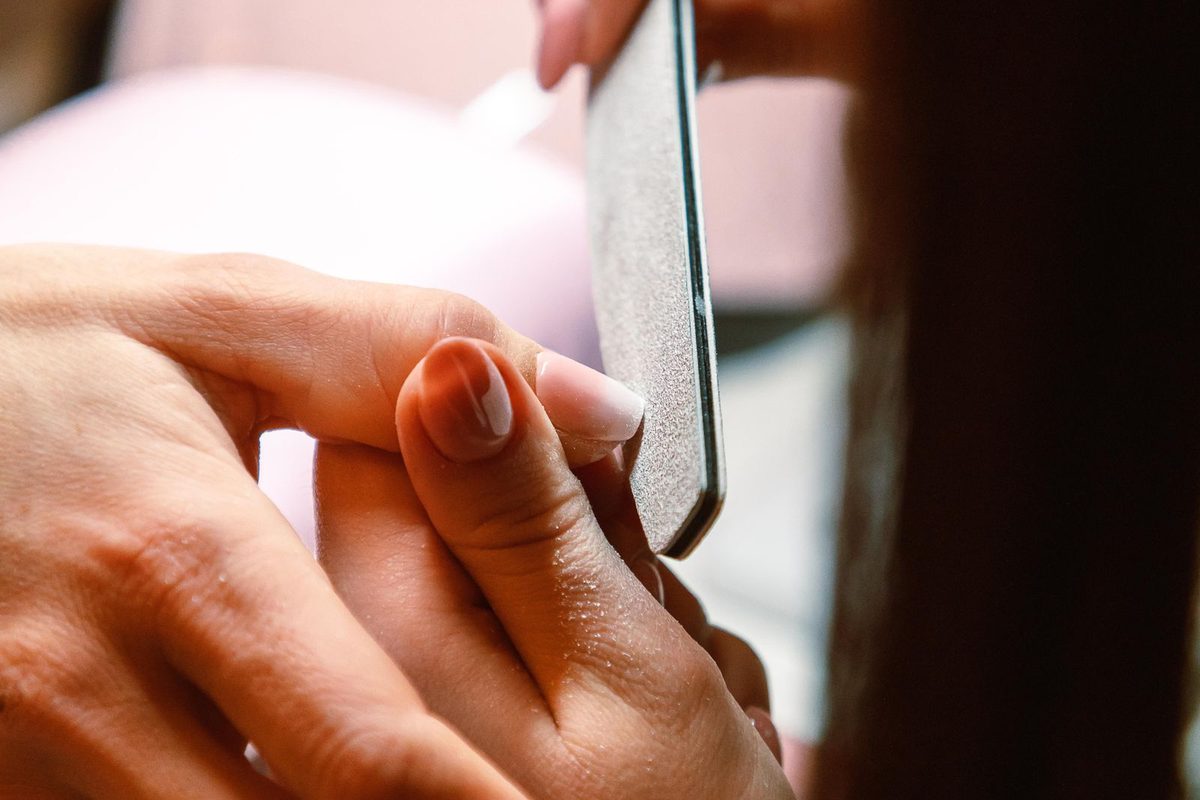
Clients choose a salon they can picture doing their hair. A gallery of your actual work - balayage you are proud of, a sharp fade, a fresh set of nails, a colour correction that landed - does more than any promise. Shoot in daylight, keep the images sharp, and refresh them when your style moves on. Skip generic stock beauty photos; people recognise them and trust them less.
A few honest client quotes near the booking button help too. One real line about a stylist who saved a colour gone wrong beats a page of five-star clichés.
Get found by clients nearby
A live site is a start. To reach people searching for a salon in your area, give the local signals they and Google look for.
- Put your town and main service in the page title, the way people search: "balayage in Manchester", not just "home".
- Claim your free Google Business Profile and match the name, address and phone to your site exactly.
- Keep photos current and add new ones after a big change or a refit.
- Ask happy clients for reviews and reply to them, warmly and honestly.
These habits, plus a fast site that works on a phone, put a local salon in front of the right people without any ad budget.
Turn first visits into regulars
The cheapest booking is a returning client, and the website can quietly help. Make rebooking one tap from the confirmation, mention a loyalty perk or a members' price where you offer one, and keep a simple way to ask about a treatment they have not tried. A client who can rebook in ten seconds usually does, and a first-time colour often turns into a standing six-week appointment when the next step is obvious.
Build your salon website with Semalt AI
Running a salon leaves little time to fight with a website builder. That is the gap Semalt fills. Describe your salon in a sentence and the AI builds a full site, with a service menu, a gallery and a booking form, ready to publish in minutes. When prices change or you want a softer look, you ask in chat and the site updates.
It is free to try, and you can go live on a Semalt address straight away or add your own domain later. You can see a finished beauty-salon example, alongside other trades, on the examples page. Type "a hair and beauty salon with a price list, gallery and online booking" and look at the first draft. Your salon could be taking bookings this week.
Build your website with Semalt AI
Describe your business in a sentence and get a complete, modern site in minutes. Free to try, no coding.
Start building free